 CARD RAIN!
Play before everyone
CARD RAIN! is in its last test before the launch on Google Play. Join the testers, play for free before everyone else and help the game launch. It takes one minute – use the same Google account in all three steps (Android only).
- 1
- 2
- 3
Install the game
Install CARD RAIN! from Google Play and play. Please stay a tester for at least 14 days – thank you!
Get it on Google Play
Got an iPhone or iPad? Get CARD RAIN! on the App Store.
Features
The card game you know from home – with cards you play in one tap and opponents who never get enough.
The real classic
German-suited cards: a 7 (+2, can be passed on), an ace (you stand), the Over goes on anything and you choose the suit. Just like at the table.
40 cities, 6,000 levels
From Bratislava through Prague, Paris, Tokyo, Venice or Kyoto all the way to San Francisco. Every city has its own rule – it rains cards in London, in Venice you see the opponents' cards.
City champions
Every 10th level is harder, and at the end of every city its champion is waiting – from Uncle Jano to Mr. Diamond.
Duo on one phone
Two players, one phone. After every move you pass the phone and the cards stay hidden until the player taps.
Boosters
Hint, Swap, Undo, Shield against a 7, Peek and the golden Over – for when luck runs out.
Fair opponents
The computer never cheats: it doesn't see your cards or the order of the pile.
12 languages
English, Slovak, Czech, Polish, Hungarian, German, Ukrainian, Spanish, French, Italian, Portuguese and Hindi.
No account
No sign-up. The game is saved on your phone and works offline too.
How to play
Be the first to get rid of all your cards. Put down a card of the same suit or the same value as the top card.
The next player draws 2 cards – unless they add their own 7. Then the one after draws 4, 6…
The next player stands (misses the turn) – unless they add their own ace.
Goes on anything, and you choose the suit that has to follow.
Draw one card from the pile – your turn ends.
Screenshots
Swipe for more.
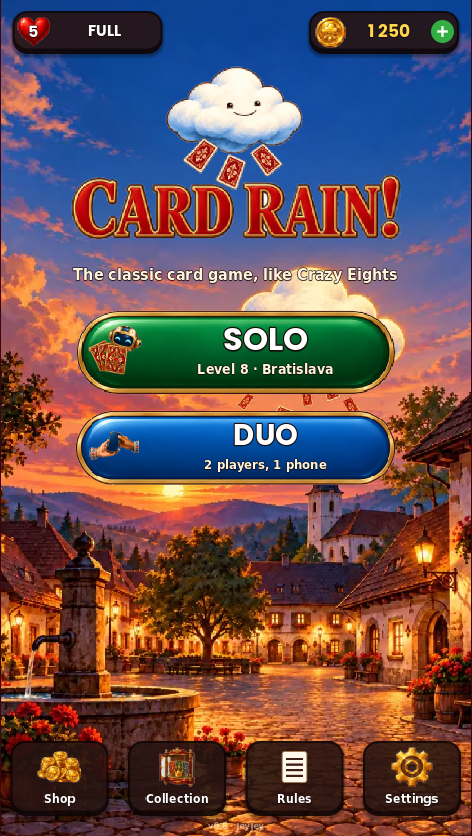
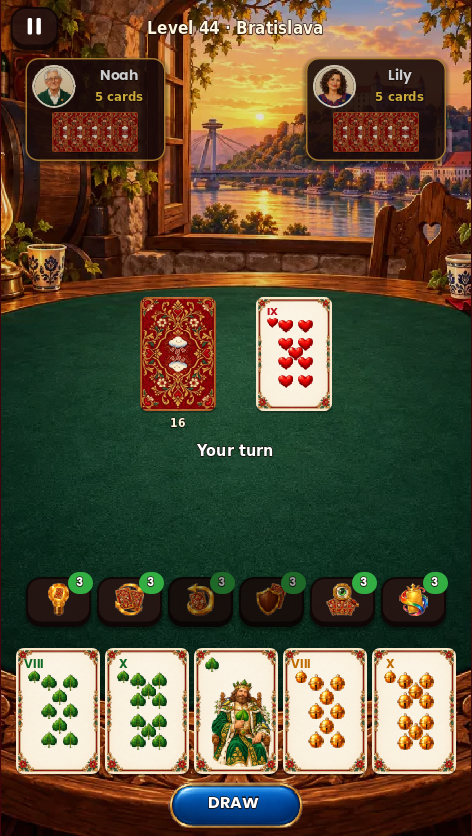
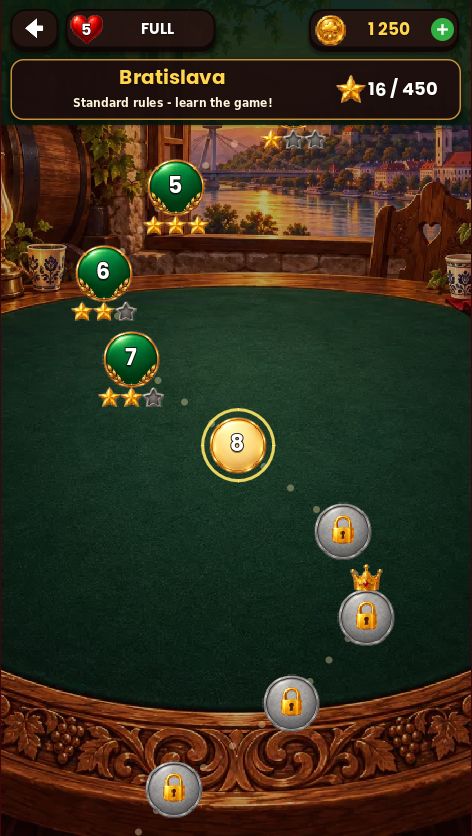
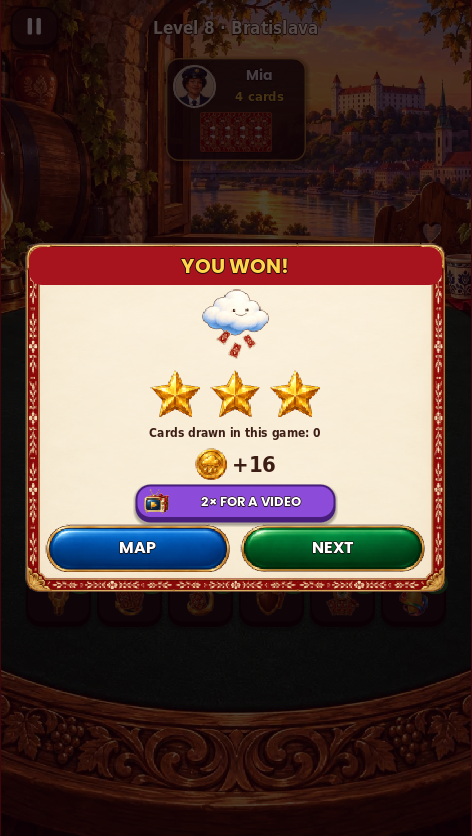
Pictures from the test version of the game.
Help & support
Answers to the most common questions. If you need anything else, write to us.
What are lives?
You have 5 lives. A lost level costs a life, a win gives it back. A new life comes every 30 minutes, even when the game is closed. You can also get a life for a video (up to 5 a day) or refill them with coins. Duo games don't use lives.
Are there ads?
Reward videos (a life, double coins) only play when you choose them. Between games a short ad may show after every 3rd game – never in the first 15 levels, never on the first day and at most once in 3 minutes; it can usually be closed after 5 seconds. The No ads or VIP purchase switches it off completely.
Is CARD RAIN! on iPhone and iPad too?
Yes – get it on the App Store. It is the same game; purchases go through the App Store, and one-time extras come back with Settings → Restore purchases.
How do I move my game to a new phone?
On the old phone open Settings → Backup → EXPORT and keep the code, for example in your notes. On the new phone choose IMPORT and paste it. Paid extras are not in the code – get them back with Settings → Restore purchases.
My purchase did not arrive
Start the game again with the internet on – an unfinished purchase is completed at the next start. One-time extras (Starter Pack, No ads, VIP, 2× coins forever) come back with Settings → Restore purchases. If it still doesn't work, write to us with the order number – on Android from the Google Play receipt (it starts with GPA.), on iPhone and iPad from Apple's purchase receipt e-mail (Order ID).
Where do I enter a gift code?
In Settings → Gift code → ENTER (Android version only). Each code works once.
How do I switch off the beginner tips?
The first game asks whether you want tips. Later you can switch them on or off in Settings → Tips for beginners.
How do I delete my data?
In the game open Settings → Delete my data, or uninstall the game. We have no servers and don't keep your game. More on the page Delete your data.